

1. A Self-Emptying Station Reduces Routine Maintenance
What happens after the robot finishes cleaning?
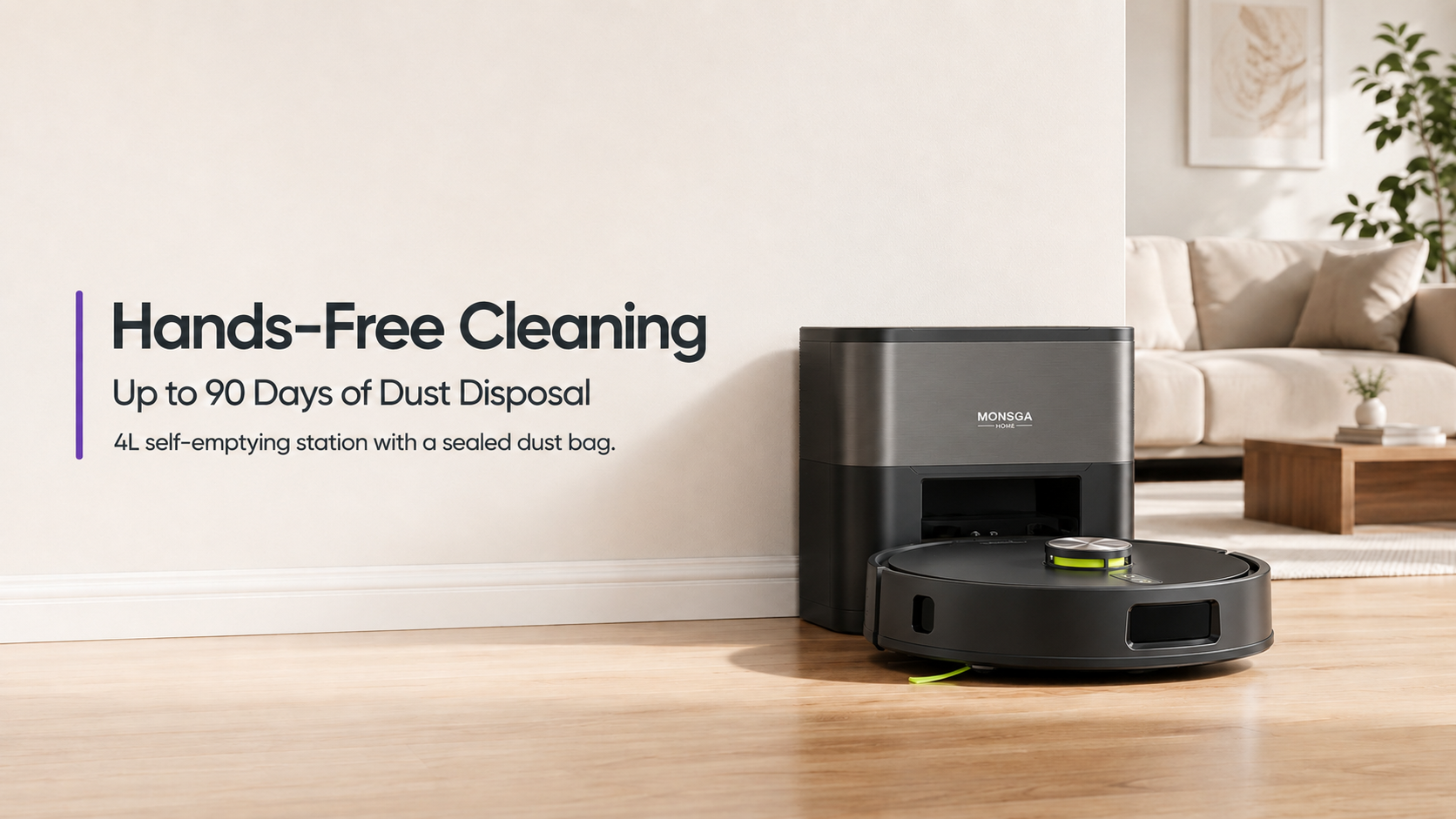
With a standard robot vacuum, you typically need to empty its small onboard dustbin after a few cleaning sessions. A self-emptying model returns to its station after cleaning, where collected debris is transferred into a larger bag or container.
For homes with pets, children, or frequent foot traffic, reducing dustbin emptying makes a regular cleaning schedule easier to maintain.
What to compare
Look at the station’s capacity, bag design, and how easily the bag can be removed. A sealed or self-closing bag can help reduce contact with collected dust when it is time to dispose of it.
For a more convenient routine, compare the station’s capacity with your household’s cleaning frequency. Actual bag life will vary with pets, floor type, and the amount of debris collected.
2. LiDAR Mapping Helps a Robot Clean More Purposefully
Why navigation matters more than random movement
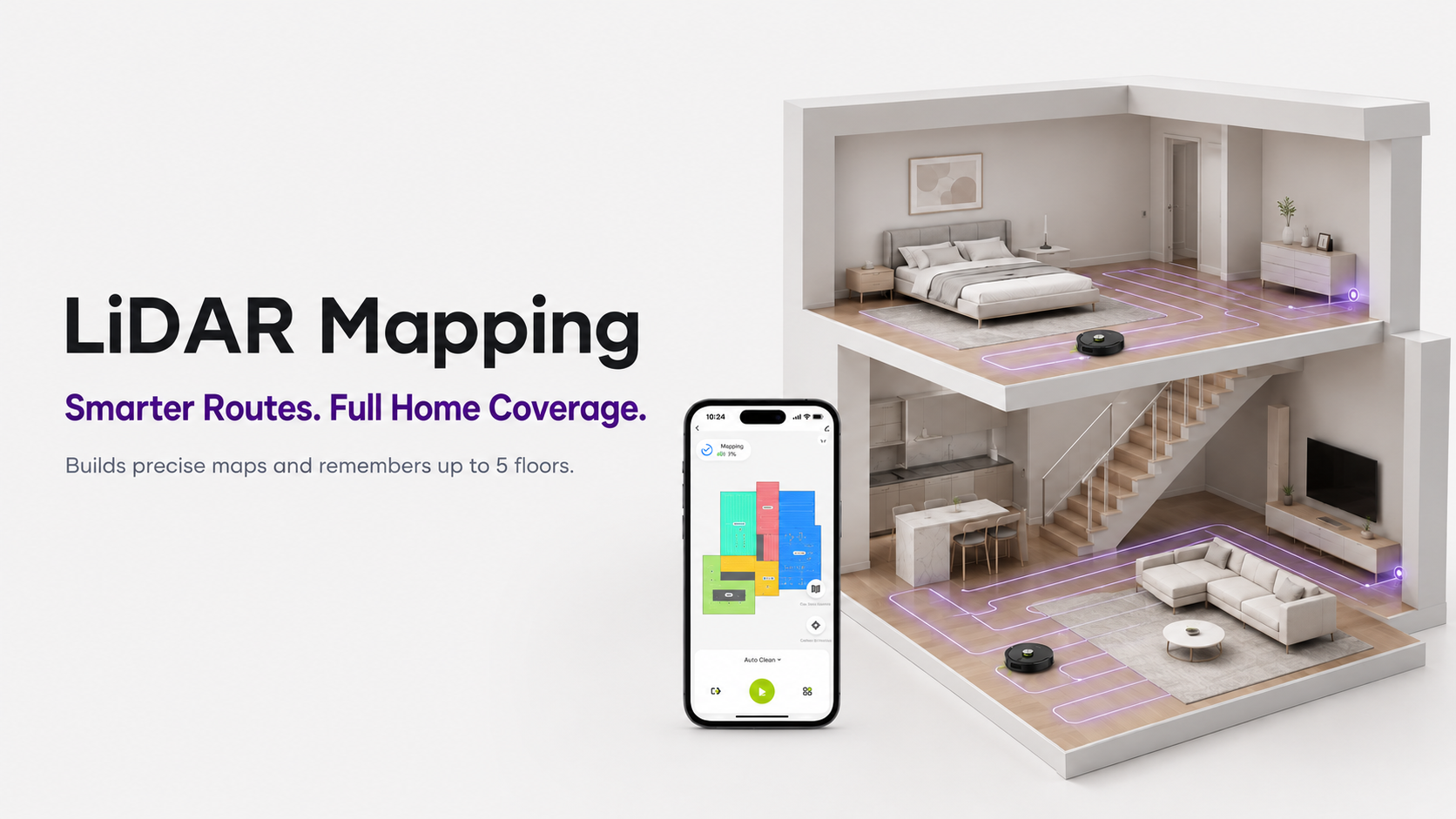
Early robot vacuums often relied on bump-and-turn movement. They could still pick up dust, but the route could be inefficient and hard to control. Modern LiDAR mapping uses laser-based scanning to build a map of the home and plan a more organized route.
This allows a robot to recognize rooms, follow structured lines, and return to areas with fewer missed spots. It also gives users a visual map in the app, which makes features such as room cleaning and no-go zones possible.
Multi-level homes need saved maps
If you live in a house with more than one floor, map storage is especially useful. Rather than treating every floor as a completely new space each time, a robot vacuum can keep separate layouts and settings.
When comparing multi-level models, check how many maps they can store and whether each floor can keep its own room labels and restricted areas.
3. Room and Zone Cleaning Make Every Run More Relevant
Whole-home cleaning is not always necessary
Most households do not need every room cleaned with the same frequency. The kitchen may collect crumbs after meals, the entryway may need attention after walks, and a pet’s favorite sleeping spot may gather fur quickly.
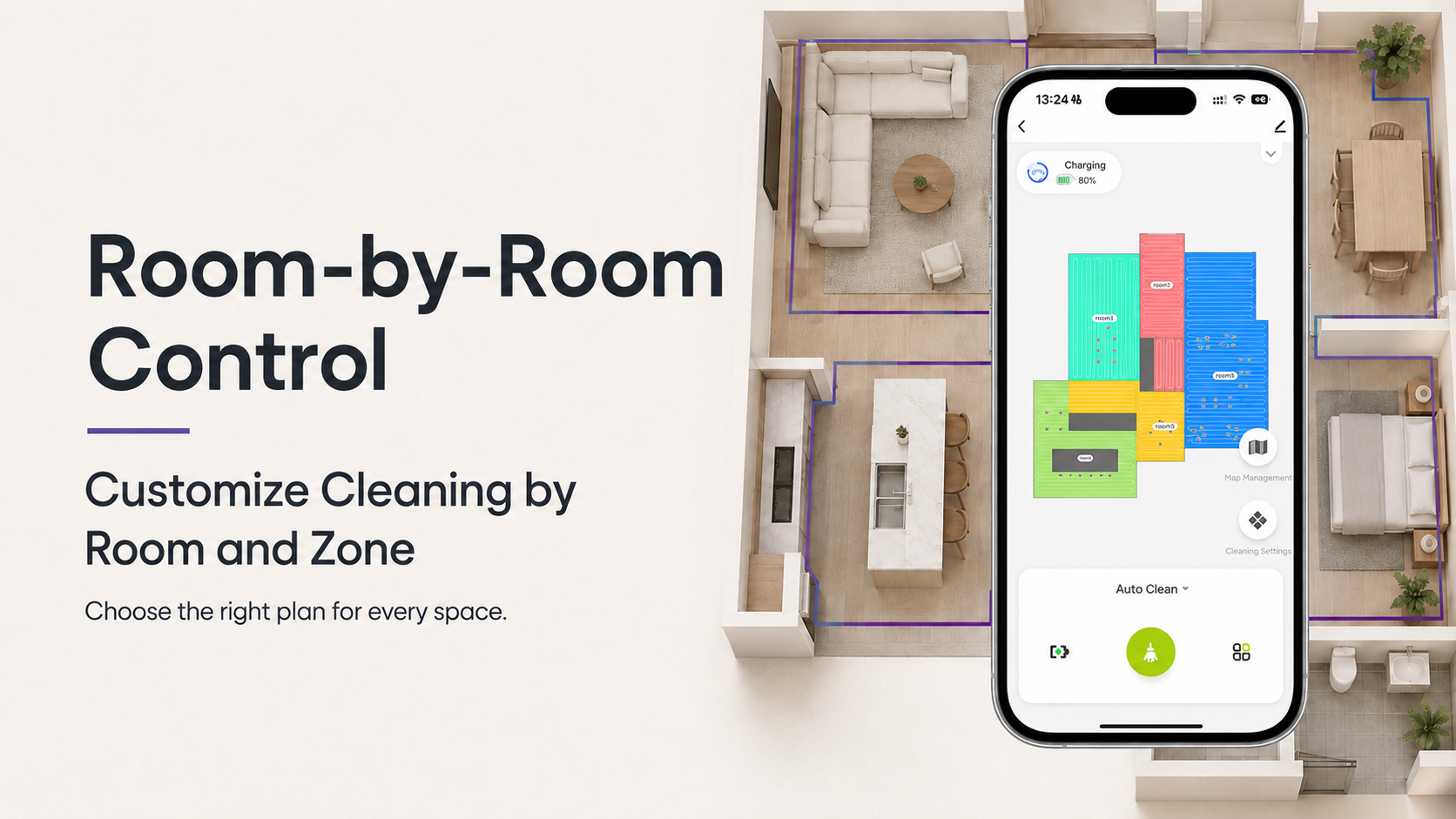
Room selection lets you choose a specific labeled room from the map. Zone cleaning goes one step further: you draw a temporary area on the map for a targeted cleanup. These features help avoid running a full-house clean when only one spot needs attention.
| Everyday situation | Useful smart-cleaning response |
|---|---|
| Crumbs under the table | Run a kitchen or dining-room clean after meals |
| Dirt near the front door | Create a small entryway zone after busy afternoons |
| Hair around a pet bed | Schedule more frequent cleaning for that room |
| Guests arriving later | Clean the living room without disturbing bedrooms |
Virtual walls and no-go zones add control
Digital boundaries tell a robot where it should not travel. They are useful around pet bowls, a cable-heavy corner, delicate objects on the floor, or a room you would rather handle separately.
Once saved, these settings can stay in the map for future cleanups. This is often more convenient than physically blocking a robot’s route each time.
4. Recharge and Resume Keep Larger Cleans Moving
Runtime is only part of the story
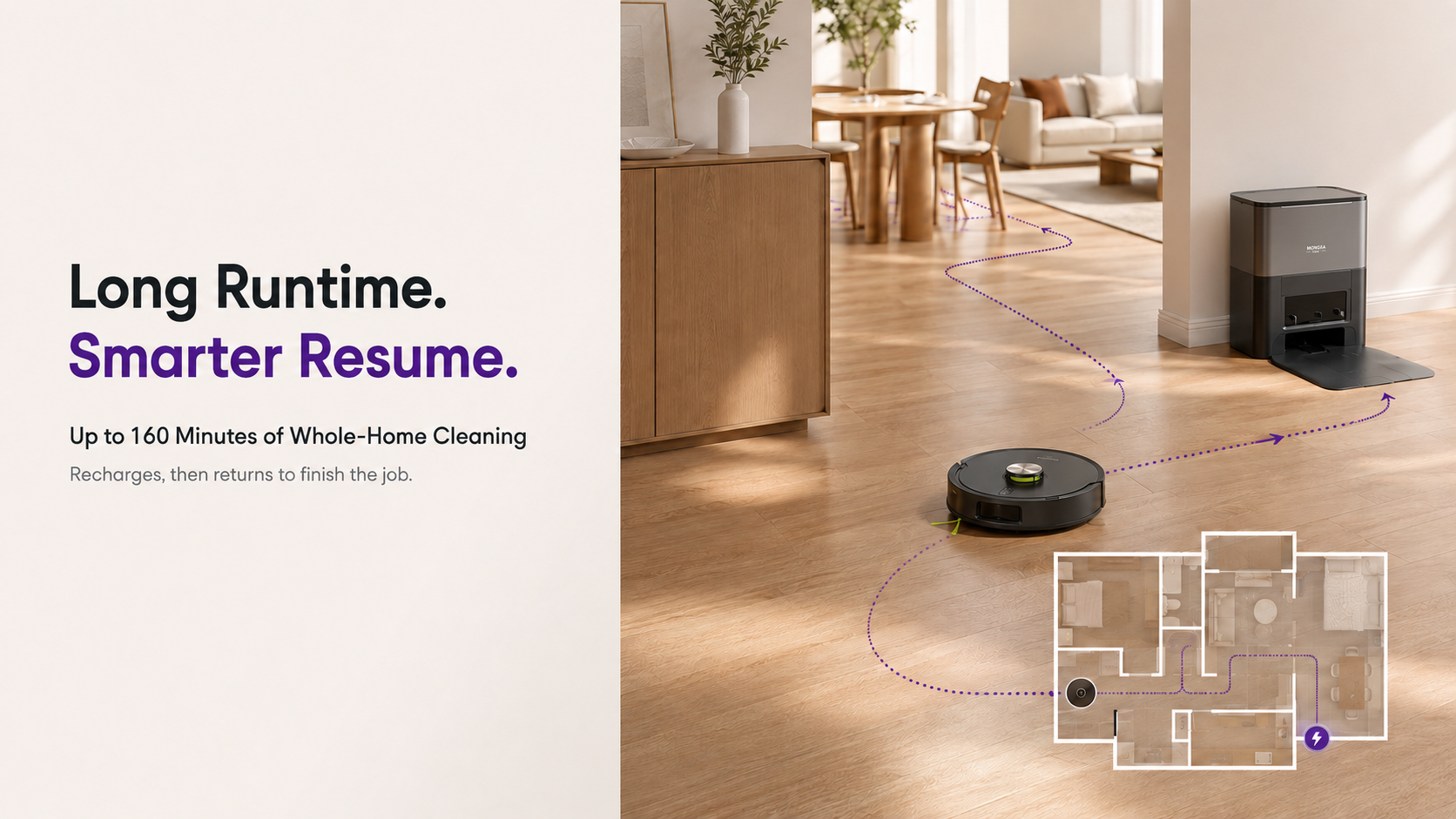
Battery runtime matters, particularly in larger homes. However, the smarter feature is what the robot does when the battery becomes low before the task is complete.
A recharge-and-resume robot returns to its dock automatically, recharges, and then continues the job. This prevents users from needing to notice a low battery and manually restart the cleaning session.
When comparing models, look for a runtime that suits your layout plus the ability to resume from where cleaning paused. Coverage varies with settings, flooring, and obstacles, but cleaning does not have to stop because one charge is not enough.
5. App Control Turns Cleaning Into a Routine
The most useful app features
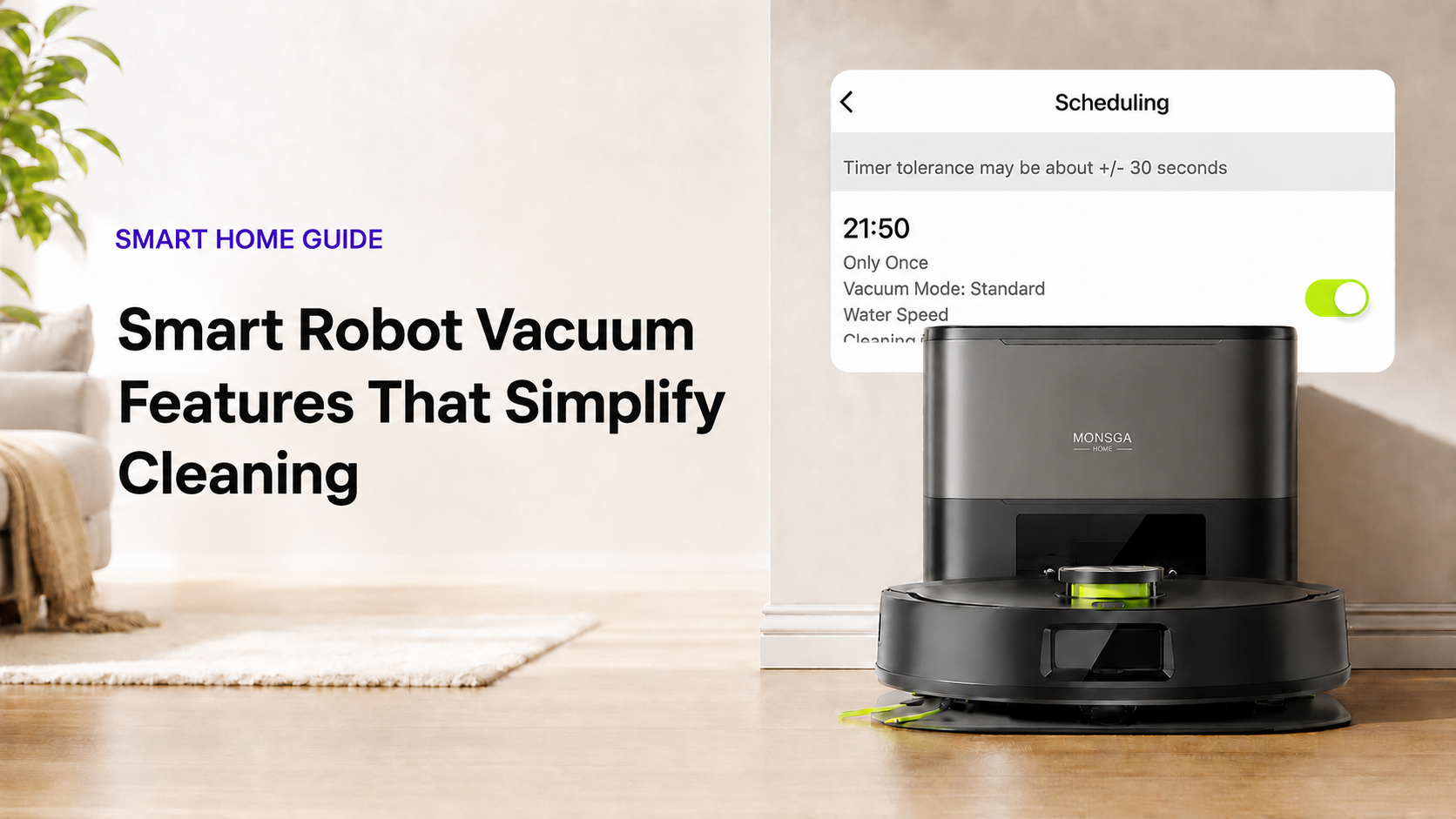
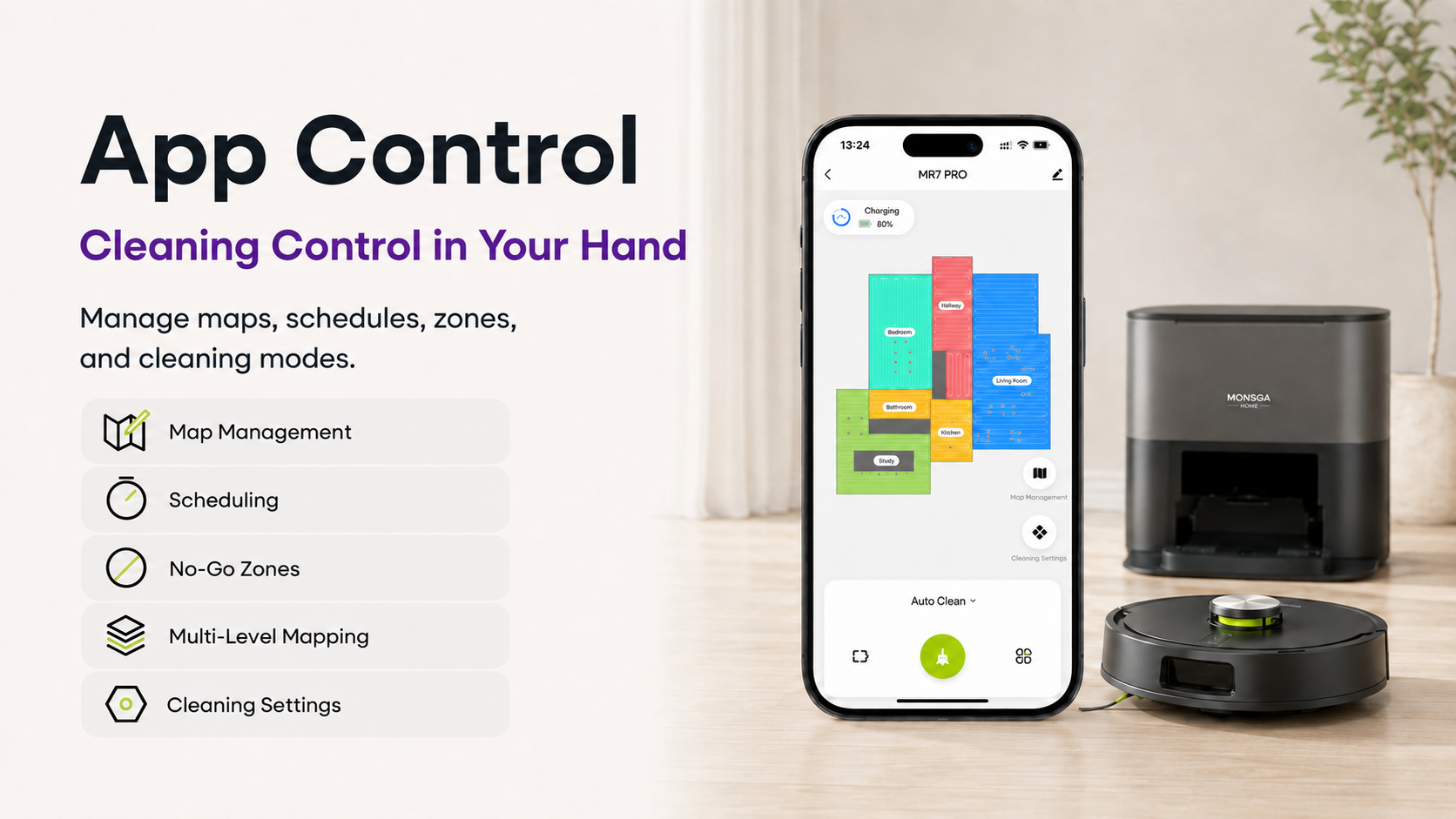
An app is most helpful when it makes cleaning more specific, not more complicated. Look for controls that let you manage maps, select rooms, draw zones, set schedules, and create no-go areas.
In a well-designed app, you should be able to manage saved maps, select rooms or zones, adjust cleaning settings, add virtual boundaries, and schedule cleanups. These controls make it easier to match a robot’s work to the rhythm of a household.
Scheduling works best in small, consistent sessions
Instead of waiting for floors to look noticeably dirty, schedule short cleanups around habits that already exist. Try the kitchen after breakfast, the entryway in the evening, or the living room before the weekend.
This approach will not replace every deep clean, but it can reduce the buildup of everyday dust, crumbs, and hair. It is also easier to maintain because the cleaning happens automatically in the background.
6. Choose Features Based on Your Home, Not Just a Spec Sheet
The best smart robot vacuum is not necessarily the one with the longest feature list. Start with the friction points in your own home.
Need help narrowing down the options? Read our Robot Vacuum Buying Guide: 10 Things to Consider Before You Buy for a practical checklist covering floor types, pet hair, mapping, maintenance, and everyday routines.
-
Want to empty the dustbin less often? Prioritize a self-emptying station.
-
Have several rooms or floors? Look for LiDAR mapping and multi-map storage.
-
Deal with pet hair or meal-time crumbs? Choose room and zone controls.
-
Have a larger layout? Make sure recharge-and-resume is included.
-
Prefer a set-it-and-forget-it routine? Check that scheduling is easy to use.
Features such as self-emptying, mapping, targeted cleaning, and app scheduling are valuable because they help a robot vacuum adapt to real household routines.
A Smart-Cleaning Option to Explore
If you are looking for a robot vacuum that combines these practical features, the MONSGA MR7 PRO includes a 4 L self-emptying station, LiDAR mapping with storage for up to five maps, room and zone cleaning, recharge-and-resume, and Smart Life / Tuya app control. Learn more about the MONSGA MR7 PRO.