
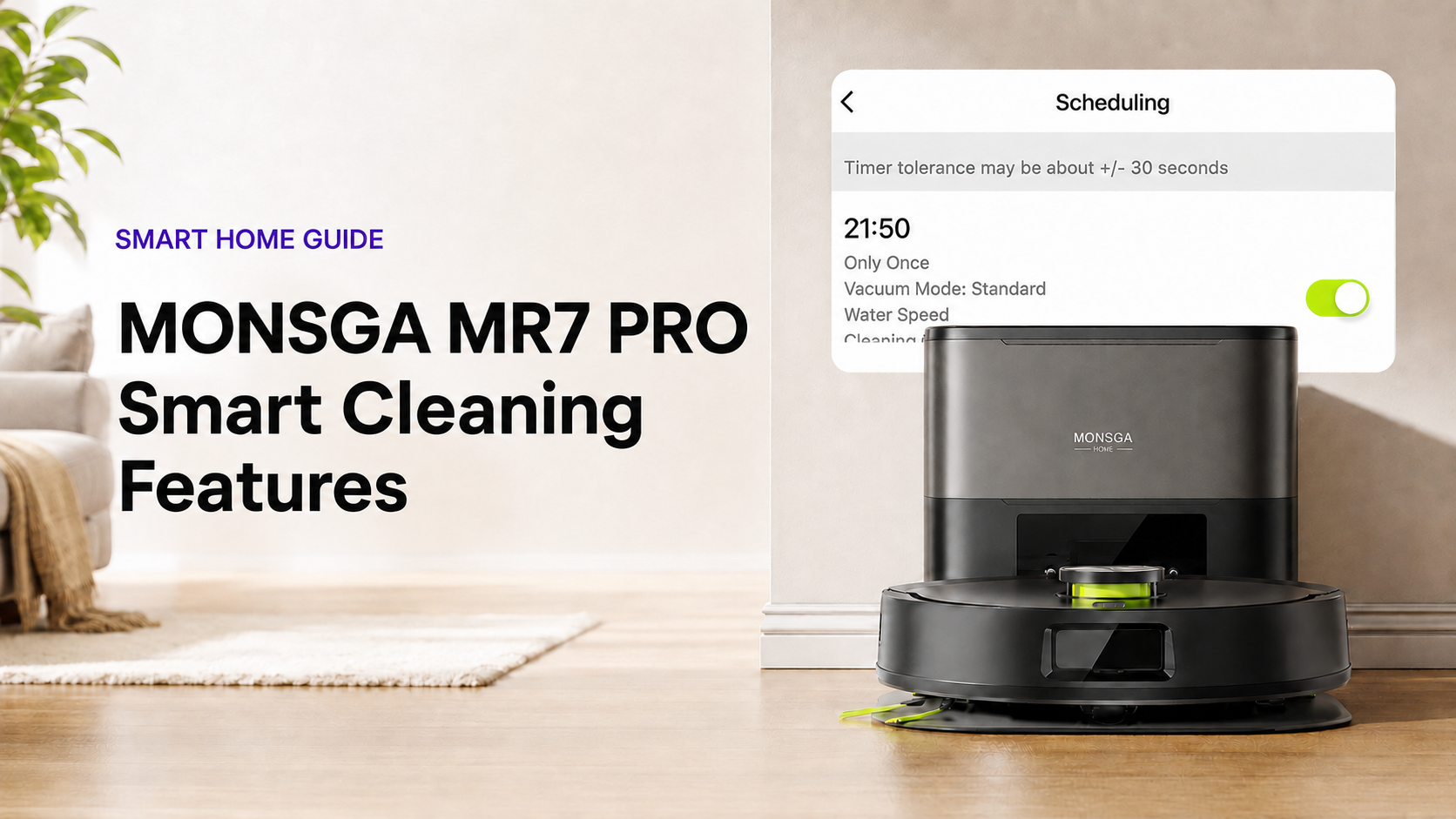
Keeping a home clean is not only about suction power. It is about having a cleaning routine that understands your home, follows your schedule, and needs less attention from you.
The MONSGA MR7 PRO smart robot vacuum brings together self-emptying, laser mapping, long runtime, and app-based control to make daily floor care feel much more automatic. Instead of managing every clean, you can set the plan and let the robot take care of the routine.
Hands-Free Cleaning Starts With a Self-Emptying Station
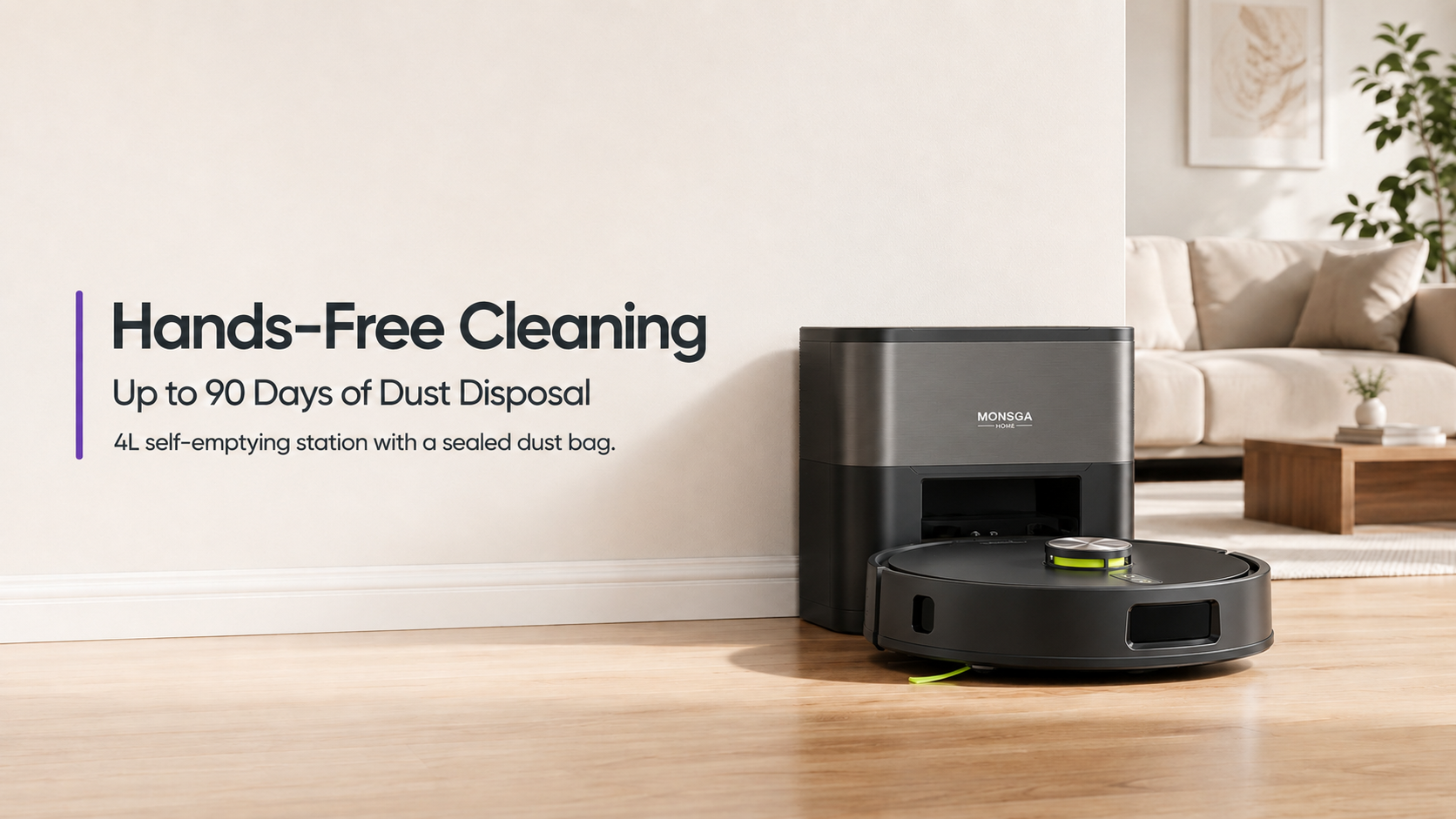
Up to 90 Days Without Emptying the Dustbin
After each cleaning session, the MR7 PRO automatically transfers collected dust, crumbs, and pet hair into its 4 L dust bag. This gives you up to approximately 90 days of hands-free dust disposal, depending on your home, cleaning frequency, and how much debris is collected.
A Sealed Bag for Cleaner Disposal
The dust bag uses a pull-and-seal design. When you remove it, the bag automatically closes to help keep dust and potential allergens contained and reduce dust clouds during disposal.
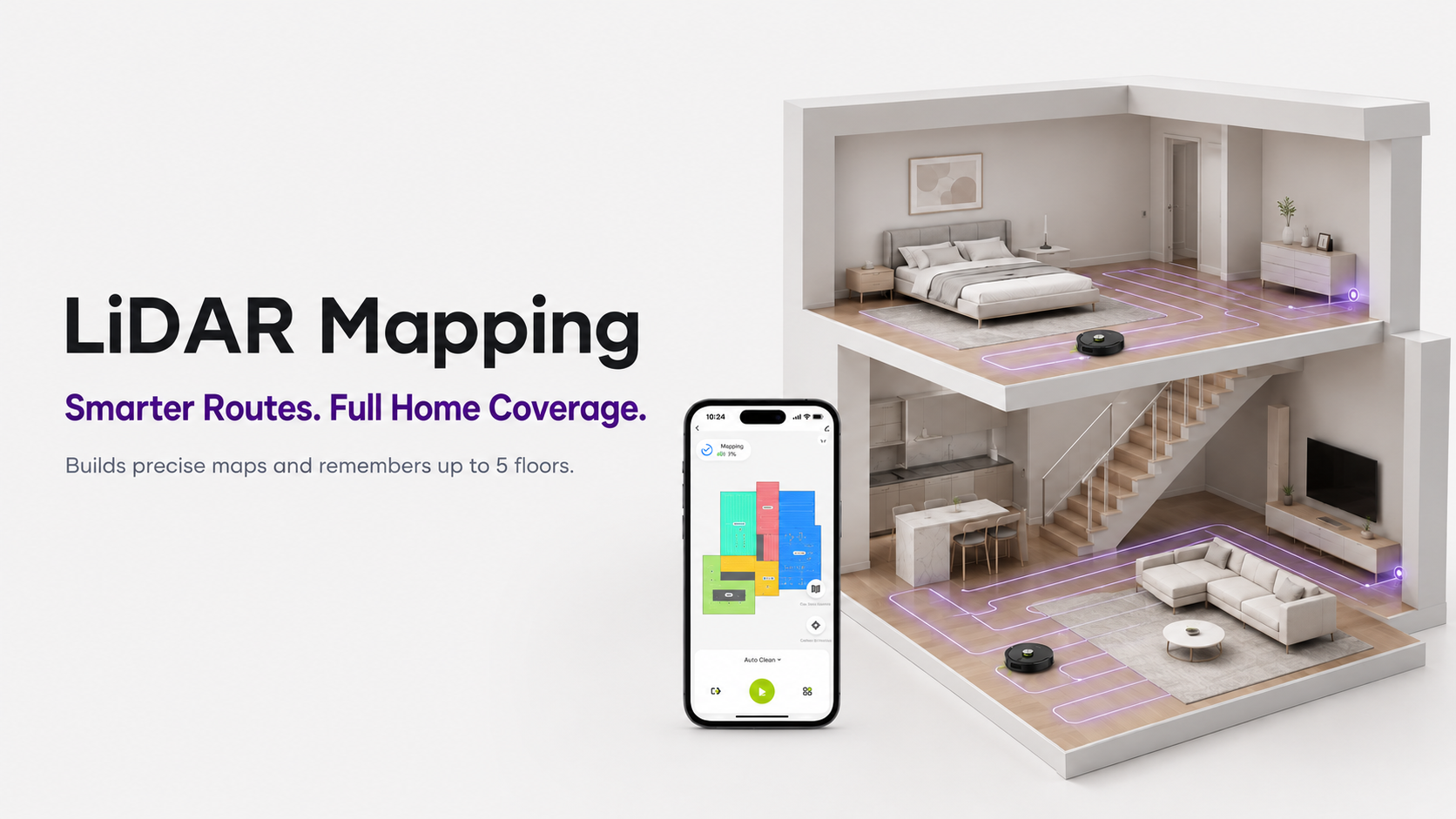
LiDAR Mapping Creates a Smarter Cleaning Route
Save Up to Five Maps for Different Floors
The MR7 PRO can store up to five home maps, making it a practical choice for multi-level homes. You can switch between floors in the app and create a different cleaning setup for each one—without remapping every time.
To learn more about what to look for when comparing navigation and other key features, read our Robot Vacuum Buying Guide.
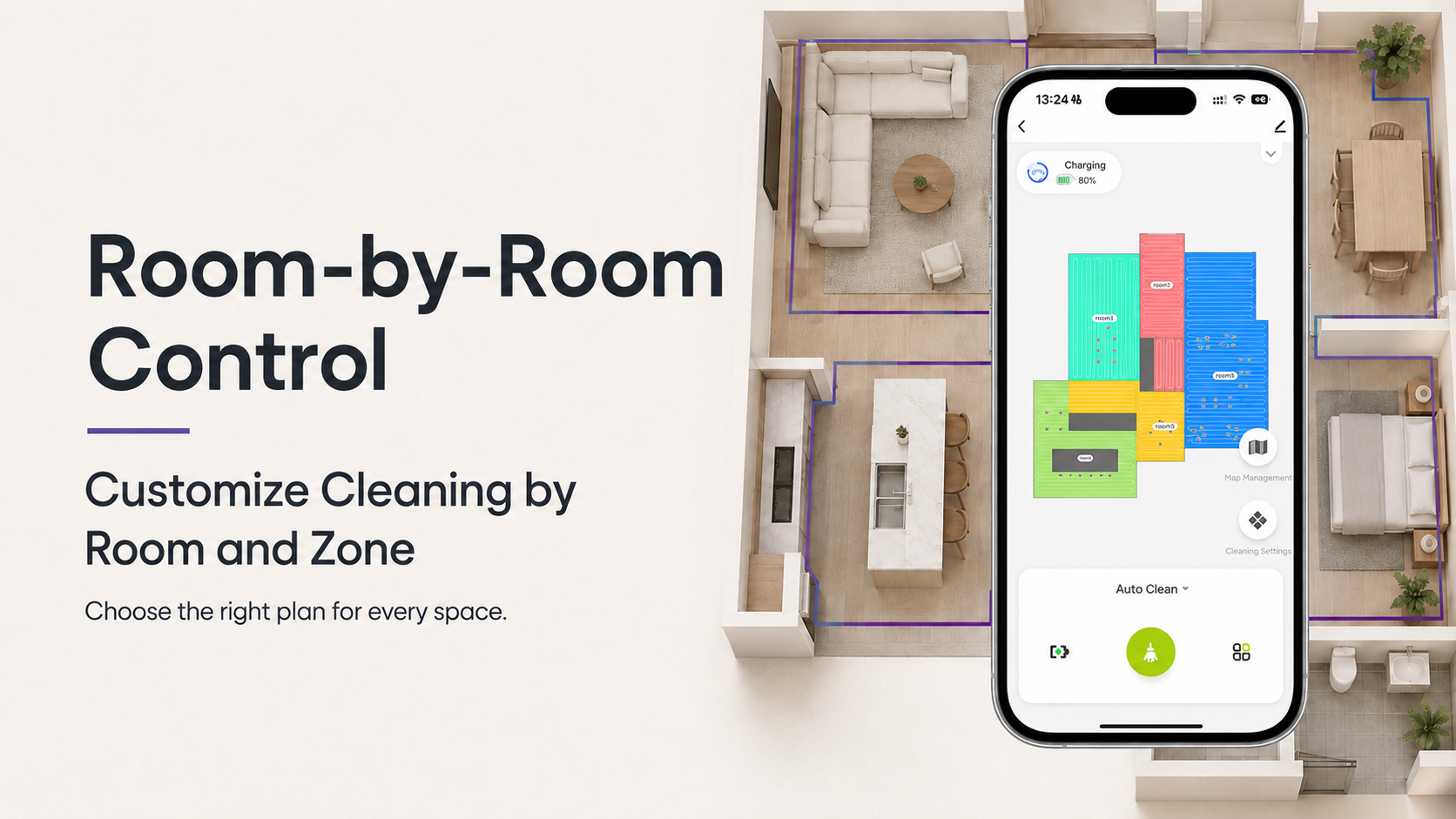
Customize Cleaning by Room and Zone
Give Each Area Its Own Cleaning Plan
With the Smart Life / Tuya app, you can select individual rooms from the map and customize a cleaning plan based on the area, floor type, and your everyday routine. Instead of cleaning the entire home every time, the MR7 PRO can focus on the spaces that need it most.
Target High-Mess Areas With Zone Cleaning
For quick cleanups, draw a custom zone directly on the map. This is useful for high-traffic spots such as beneath the dining table, near a pet bed, or around the entryway after a walk.
You can use room and zone cleaning to create routines like these:
| Area | Customized smart cleaning plan |
|---|---|
| Kitchen and dining area | Schedule a targeted clean after breakfast or dinner |
| Entryway | Clean after walks, school drop-off, or busy afternoons |
| Pet area | Run more frequent cleans for fur and tracked-in debris |
| Living room | Start a focused clean before guests arrive |
| Bedrooms | Schedule quieter, lower-frequency dust control |
Set Virtual Walls and No-Go Zones
The app also lets you create virtual walls and no-go zones. These settings tell the MR7 PRO where not to travel, giving you more control over each clean.
Use them around pet bowls, cable-heavy spaces, delicate floor displays, or rooms that you prefer to clean separately. Once saved to the map, these restrictions stay in place for future runs.
Long Runtime With Intelligent Recharge and Resume
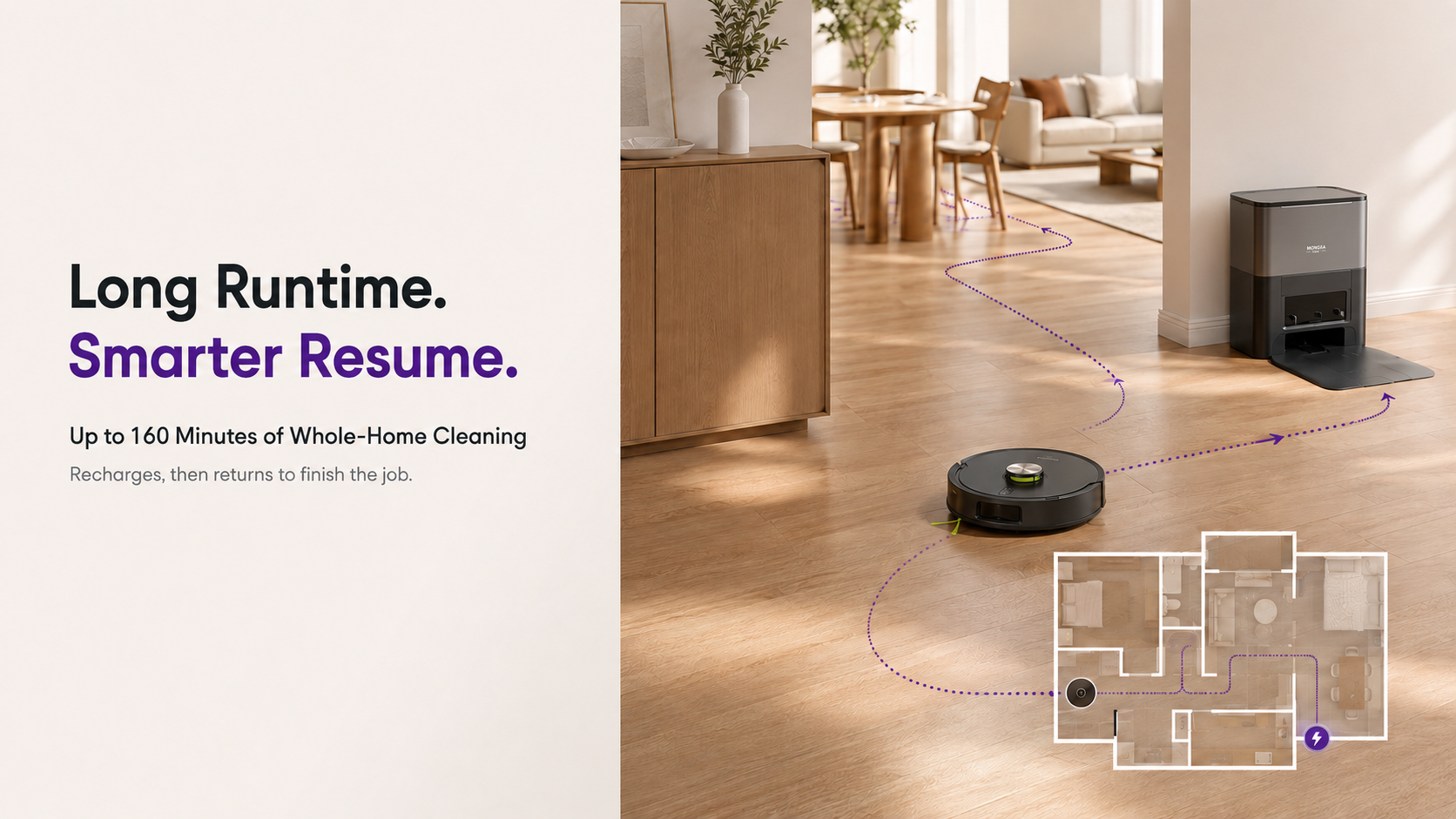
Up to 160 Minutes of Continuous Cleaning
The MR7 PRO is powered by a 3200mAh battery and offers up to 160 minutes of runtime on one charge. It can cover up to approximately 2,690 square feet, helping it clean larger spaces with fewer interruptions.
Recharges Only What It Needs, Then Finishes the Job
When the battery runs low mid-clean, the robot returns to the dock automatically. Instead of waiting for a complete recharge, it calculates the power required for the remaining area, recharges accordingly, and returns to the point where cleaning paused.
This intelligent recharge-and-resume function helps ensure planned areas are not left half-cleaned. It keeps the routine moving with less waiting and less manual intervention.
Manage Your Cleaning Routine From Anywhere
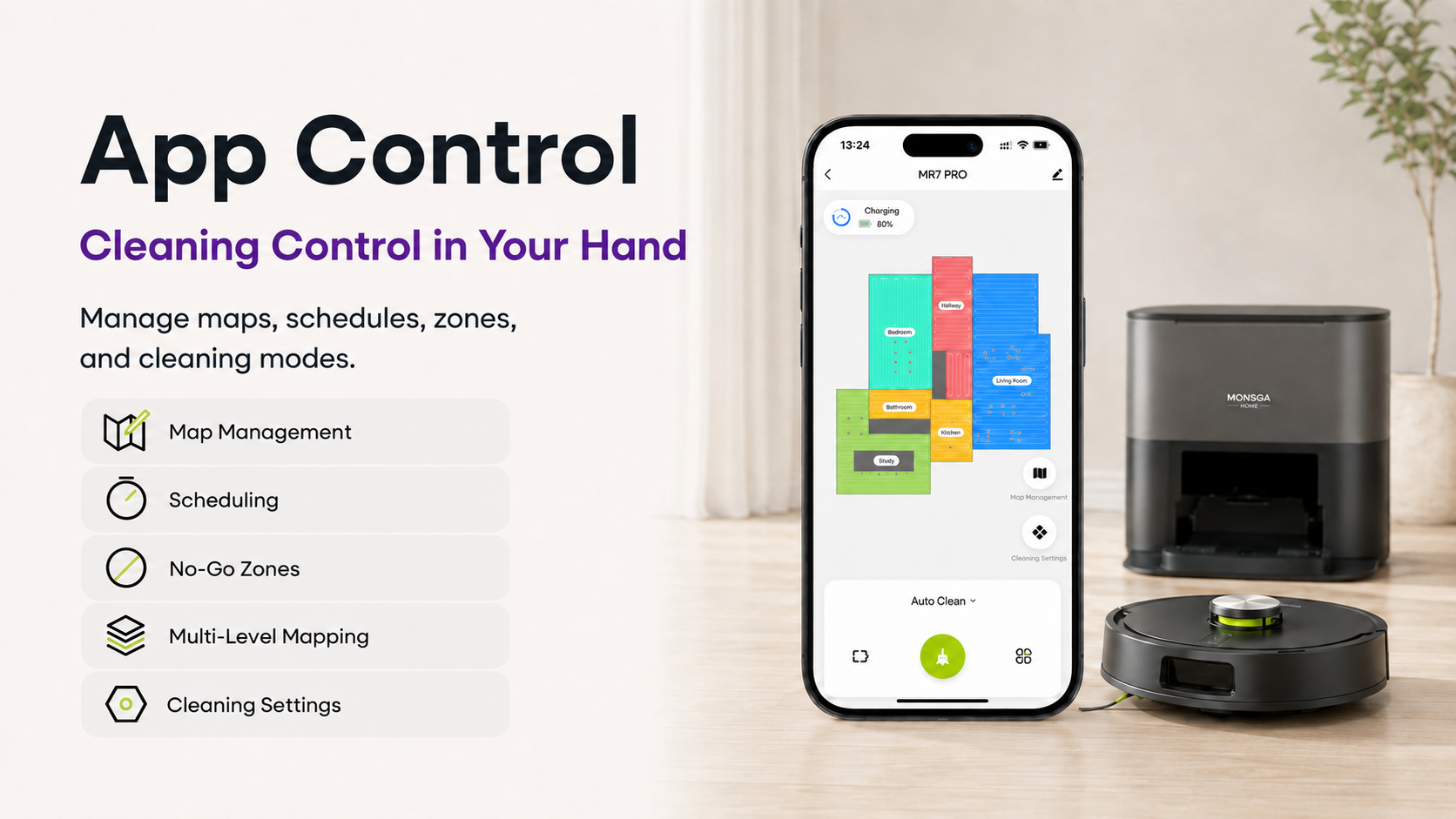
Smart Life / Tuya App Control
The Smart Life / Tuya app puts the MR7 PRO’s smart cleaning controls in one place. Whether you are at home, at work, or getting ready to return from a trip, you can start or manage a cleaning session remotely.
The app lets you:
-
View and manage saved maps
-
Select rooms or draw custom cleaning zones
-
Schedule cleaning by day and time
-
Set virtual walls and no-go areas
-
Create different cleaning plans for different rooms
-
Adjust cleaning preferences to fit floor type and daily needs
Schedule Cleaning Around Real Life
Scheduling is one of the simplest ways to get more from a smart robot vacuum. Set the kitchen to clean after breakfast, the entryway in the evening, or the whole home while you are out.
Small, scheduled cleaning sessions can stop crumbs, dust, and hair from piling up. You return to a cleaner floor without needing to add cleaning to your daily checklist.
Start a Clean With Your Voice
The MR7 PRO is compatible with Alexa and Google Assistant, so you can start cleaning with a voice command when your hands are full. It supports a 2.4 GHz Wi-Fi connection for app pairing and voice control.
Smart Cleaning That Works Around Your Home
The MR7 PRO is designed to make daily cleaning more thoughtful from start to finish. It maps your space, remembers up to five layouts, cleans rooms and zones you select, avoids restricted areas, returns to recharge when needed, and empties itself when the job is done.
Together, these features help turn floor care into a routine that adapts to your home—not the other way around.
Ready to build a hands-free cleaning routine around your home? Shop the MONSGA MR7 PRO and explore smarter daily floor care.
Frequently Asked Questions
Can I clean only one room with the MR7 PRO?
Yes. Use the Smart Life / Tuya app to select an individual room or draw a custom zone for targeted cleaning.
How often do I need to replace the dust bag?
The 4 L dust bag supports up to about 90 days of hands-free disposal. Actual timing varies based on your home, pets, and cleaning frequency.